![login-logo-gradient.a4ed5a2c0759f09518531735e07e6346.svg]](https://knowledge.sprint-education.com/hubfs/login-logo-gradient.a4ed5a2c0759f09518531735e07e6346.svg)
Note
The bulk edit feature is only available on Professional Plan subscriptions and upwards. If you are on a Starter plan and would like this feature then please get in touch with Sales to upgrade by giving us a call or sending us an email at support@sprint-education.com.
You can edit your Contacts and Organisations in bulk by heading to the relevant table, and selecting the contacts/organisations by ticking the checkbox next to their name.
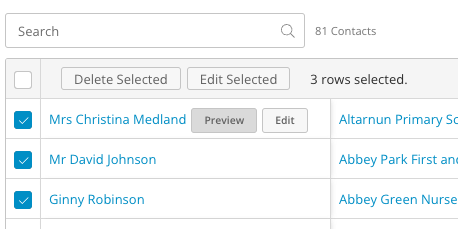
Then, click the Edit Selected button to bring up the Bulk Edit popup.
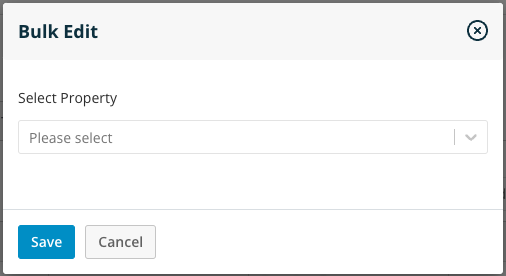
Select the Property you want to edit and choose the option. Click Save and your contacts/organisations will all be updated at once.